I Ran a Text-to-Speech Service for a Year on Two Cron Containers
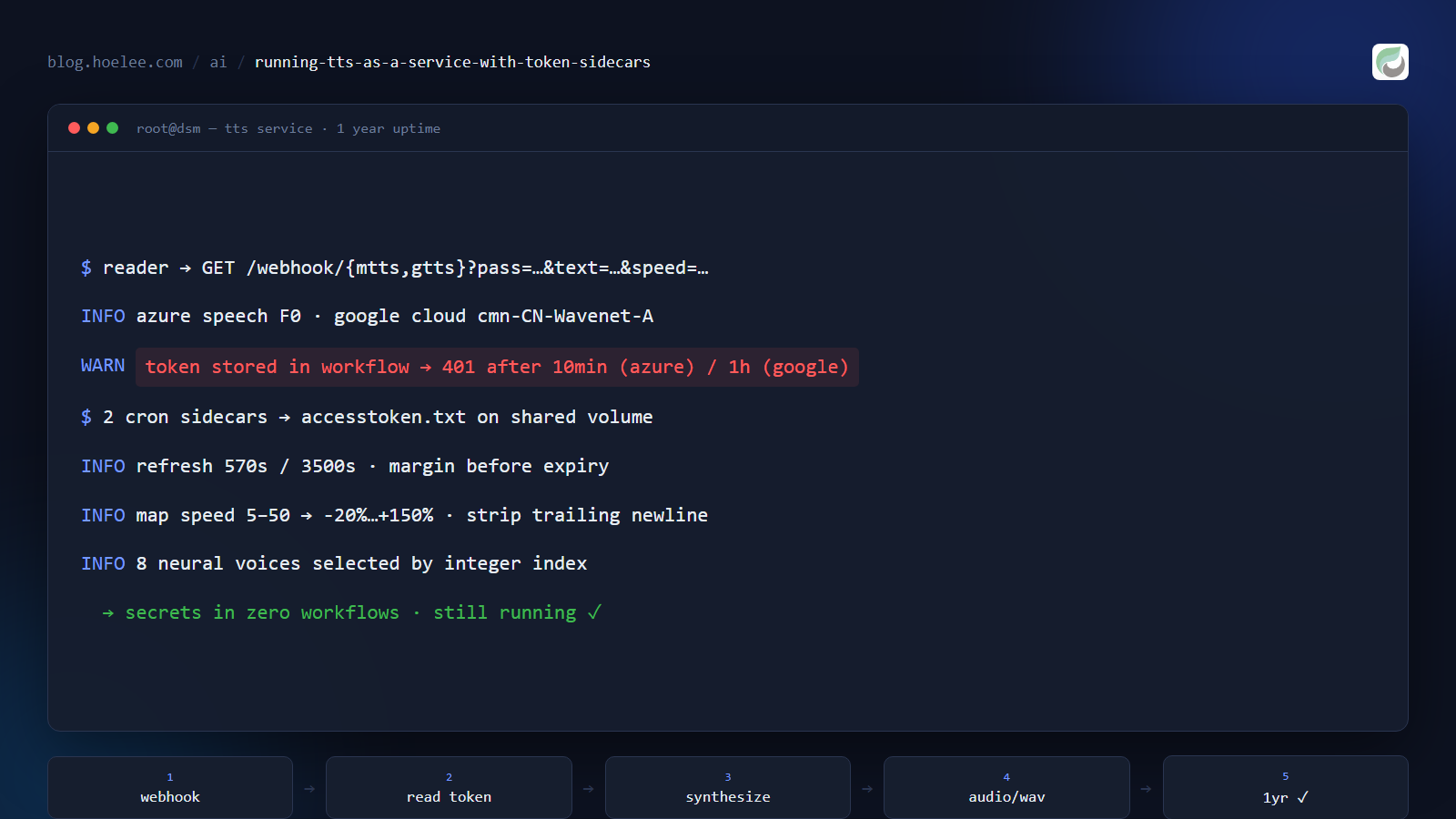
I run a self-hosted reading server for ebooks. It has a “read aloud” feature, and the built-in engines are serviceable but robotic. So I wired it up to proper neural voices — Azure Speech and Google Cloud TTS — through my n8n instance.
That was about a year ago. It has been running ever since, and the design has barely changed. This is how it works, and more usefully, why it’s shaped the way it is: the whole architecture exists to solve one specific problem that breaks naive implementations within the hour.
Why it matters
Text-to-speech is a nice feature to add and a surprisingly annoying one to keep working. The voices are cheap or free at low volume, the quality is excellent, and the APIs are straightforward — right up until you discover that an OAuth access token is not a credential you can just store in a config file.
Both providers issue short-lived access tokens, and the lifetimes are drastically different:
- Azure Speech free tier: roughly 10 minutes.
- Google Cloud: roughly 1 hour.
If you put a token in a workflow variable, the integration works beautifully for ten minutes and then starts returning 401s forever. This is the classic shape of an integration that demos perfectly and fails in production — and the fix isn’t “remember to refresh the token”, because you will not.
The architecture: token refresh is not the workflow’s job
The design decision that makes this work is refusing to let the workflows manage credentials at all. Instead, two tiny containers own token lifecycle exclusively, and write the current token to a file on a shared volume. The workflows just read the file.
┌──────────────────┐   GET /webhook/{mtts|gtts}?pass=…&text=…&speed=…
│  Reading server  │ ───────────────────────────────────────────────┐
│  (httpTTS engine)│                                                │
└──────────────────┘                                                ▼
                                                    ┌───────────────────────────┐
                                                    │  n8n                       │
                                                    │  ├ /mtts  (Microsoft)      │
                                                    │  └ /gtts  (Google)         │
                                                    └───────┬───────────────────┘
                                          reads accesstoken.txt
                                      ┌─────────────┴─────────────┐
                                      ▼                           ▼
                          Azure Speech (F0)             Google Cloud TTS
                          southeastasia region          cmn-CN Wavenet
                                      │                           │
                                      └──────── WAV audio ────────┘
                                                    │
                                          back to the player
Two cron sidecars keep the tokens fresh:
| Container | Image | Interval | Writes |
|---|---|---|---|
cron-azure-refresh | curlimages/curl | every ~570 s | MicrosoftTTS/accesstoken.txt |
cron-gcloud-refresh | google/cloud-sdk:slim | every ~3500 s | GoogleTTS/accesstoken.txt |
Both bind-mount the same host directory that n8n reads through its Read/Write Files node. That shared volume is the entire interface between the credential layer and the workflow layer.
Why the intervals are what they are: 570 seconds against a ~600-second Azure lifetime gives a 30-second safety margin, and refreshing slightly early forever is far more robust than refreshing exactly on expiry. Same reasoning for 3500 seconds against an hour.
cron-azure-refresh:
  image: curlimages/curl:8.10.1
  restart: unless-stopped
  volumes:
    - /volume1/docker/n8n/file:/file
  entrypoint: /bin/sh
  command: >
    -c 'while true; do
      curl -s -X POST "https://southeastasia.api.cognitive.microsoft.com/sts/v1.0/issueToken"
        -H "Ocp-Apim-Subscription-Key: $AZURE_SPEECH_KEY" > /file/MicrosoftTTS/accesstoken.txt;
      sleep 570;
    done'
Why a file, and not the obvious alternatives
Why not store the token in n8n credentials and refresh in-workflow? Because the refresh logic would then be copied into every workflow that needs a token, and each copy would need its own error handling. When a refresh fails at 3 AM, you want exactly one process to care.
Why not have the workflow call the token endpoint on every request? It works, and it doubles the latency and the dependency surface of every read-aloud request. Worse, it means a token-endpoint hiccup becomes a TTS outage.
Why a file at all? Because it’s the simplest possible interface that both
sides already support. n8n has a built-in Read/Write Files node; cron
containers can write with curl and shell redirection. No queue, no database
table, no shared library — just a file whose contents are always the current
token.
The tradeoff is honest: reading a file per request is a disk read in the hot path. At a reading app’s request rate that is entirely free, and it buys a complete decoupling between credential lifecycle and request handling.
The n8n side: two workflows, one shape
Both TTS workflows have the same skeleton, and it’s worth walking through because the details are where it gets interesting.
1. Webhook with responseMode: responseNode. The workflow must return raw
audio bytes, not JSON, so the response is explicitly controlled by a Respond to
Webhook node rather than n8n’s default.
2. A password gate. A query parameter is checked against an expected value, and mismatches return a real 403 rather than an empty 200:
Respond to Webhook → text: "403 unauthorized", responseCode: 403The pass value sits in the URL, which I’ll address honestly in a moment.
3. Read the token file. Read/Write Files from Disk reads
/home/user/file/MicrosoftTTS/accesstoken.txt. Then two nodes clean it up:
Extract from File (text mode) and a Set node that strips newlines, because a
trailing \n in an Authorization header produces a maddening 401 that looks
nothing like a whitespace problem:
// Edit Fields node
{{ $json.data.replace(/(\r\n|\n|\r)/g, '') }}
4. Call the provider. For Azure, the body is SSML with the voice and rate interpolated in:
<speak version='1.0' xmlns="http://www.w3.org/2001/10/synthesis"
       xmlns:mstts="http://www.w3.org/2001/mstts" xml:lang="zh-CN">
  <voice name='{{ $('Code in JavaScript').item.json.voice }}'>
    <prosody rate="{{ $('Code in JavaScript').item.json.rate }}"
             pitch="{{ $('Webhook').item.json.query.pitch }}">
      {{ $('Webhook').item.json.query.text }}
    </prosody>
  </voice>
</speak>
5. Return the audio as a binary response with the right content type:
Respond to Webhook → binary, set
  Content-Type: audio/wav
  Content-Disposition: filename="output.wav"
The mapping problem: the client speaks a different language
Here’s a detail that took more thought than the API calls. The reading app sends
a speed value on its own scale — 5 to 50, because that’s what its UI slider
produces. Azure wants a prosody rate as a percentage, and Google wants a
speakingRate multiplier around 1.0.
Neither provider’s scale matches the app’s. So there’s a deliberate translation step, and this one is worth copying because mapping a UI control onto an API parameter is a recurring chore:
// Map the reader's 5–50 speed slider onto Azure's -20%…+150% rate range.
const inMin = 5, inMax = 50;
const outMin = -20, outMax = 150;

// Clamp the input before mapping, so an out-of-range client value can't
// produce an absurd prosody rate.
if (speed < inMin) speed = inMin;
if (speed > inMax) speed = inMax;

const mapped = ((speed - inMin) / (inMax - inMin)) * (outMax - outMin) + outMin;
// → rate: `${Math.round(mapped)}%`
The equivalent for Google is a straight division, since its scale is close to linear in the same range:
speakingRate: speed / 25 // Google expects ~1.0, not a percentageTwo different providers, two different unit systems, one client-side concept. Keeping the mapping in the workflow (rather than asking the client to know about Azure percentages) is what lets the reading app stay provider-agnostic — and it’s why I could add the second provider without touching the app at all.
There’s also a voice table, because the client sends an integer index rather than a voice name:
const voices = [
  "zh-CN-XiaochenMultilingualNeural",  // 1
  "zh-CN-XiaoxiaoMultilingualNeural",  // 2
  // ...
  "zh-CN-XiaoshuangNeural",            // 7 (female, child)
  "zh-CN-XiaoyouNeural"                // 8 (female, child)
];
Eight voices — six adult, two child — selectable from the reading app’s UI. The workflow clamps the index into range rather than trusting it, which is the same defensive habit as the speed clamp.
The security question, answered honestly
The gate is a pass query parameter compared against a fixed string. I’m not
going to dress that up: it is a shared secret in a URL. It stops casual
abuse of an endpoint that costs me money per request. It does not stop anyone
who can read the reading app’s config, and it won’t survive a serious attacker.
I’m at peace with that because of what it’s protecting. The worst outcome is that someone burns my free-tier TTS quota — an annoyance, not a data breach. There’s no customer data behind this endpoint and no privileged access to anything. Paying for real authentication (OAuth, signed requests, per-user limits) would cost far more complexity than the exposure is worth.
The transferable habit is being explicit about which tier a gate sits in: this is abuse deterrence, not authorization. Systems get into trouble when a deterrent is mistaken for a boundary. If this endpoint had touched customer records or file access, it would need real auth — and I’d have built it differently from the start.
The hidden cost: it was pinned to a dead branch
The service ran for nearly a year with zero code changes. Which is the good news and the bad news:
n8nio/n8n:1.123.72That’s the image the TTS documentation specified. It kept working, which meant nothing prompted me to revisit it — the classic failure mode of infrastructure that’s too reliable. When I finally upgraded n8n to v2, this was the last 1.x-era reference left in my stack, and the token-refresh containers are the part of the system most sensitive to platform behaviour changing underneath them.
The lesson isn’t “upgrade more often” — it’s that a service with no moving parts has no natural prompt to re-examine its assumptions. Set a calendar reminder to review pinned dependency versions, because the system itself will never tell you.
What I’d do differently
- Keep the mapping logic versioned with the app, not buried in a workflow. The speed mapping and the voice table encode the reading app’s UI contract. They live in JavaScript inside an n8n Code node, where they’re invisible to anyone working on the app — and if the slider range ever changes, nothing will tell me.
- Add a health endpoint that exercises a real synthesis. All I can currently check is that the containers are up. A token can be present in the file and expired anyway (if a refresh silently failed), and there’s no cheap way to see that before a user hits it.
- Track pinned versions somewhere I’ll actually look.
1.123.72sat in a markdown file for a year. A single “review pinned images” line in the operations runbook would have surfaced it at the next maintenance window instead of through a migration.
The result
A year of uptime, two containers, one shared directory, and eight neural voices that a reading app can select from a slider. Requests complete in a couple of seconds including provider round-trip, and the whole thing costs nothing beyond the free tiers — because the token lifecycle problem was solved once, in the right place.
The pattern generalises to any short-lived credential: don’t teach every caller to refresh a token — run one process whose only job is to keep a file current, and let everyone else read the file. It’s not clever, and that’s the point. Clever credential handling is how you end up with four refresh implementations and three of them wrong.
Need an AI feature wired into an app you already have?
I build the unglamorous middle layer of AI integrations — the part that keeps working after the demo: token refresh, provider failover, voice and model mapping, and rate-limit handling. If you want text-to-speech, transcription, or an LLM feature added to an existing application and you’d like it to still work next year, that’s the work I do.
Reach me at [email protected] or WhatsApp +60 12-797 2969, or see what I do at hoelee.com.