Why Your Synology API Login Returns 401 With the Correct Password
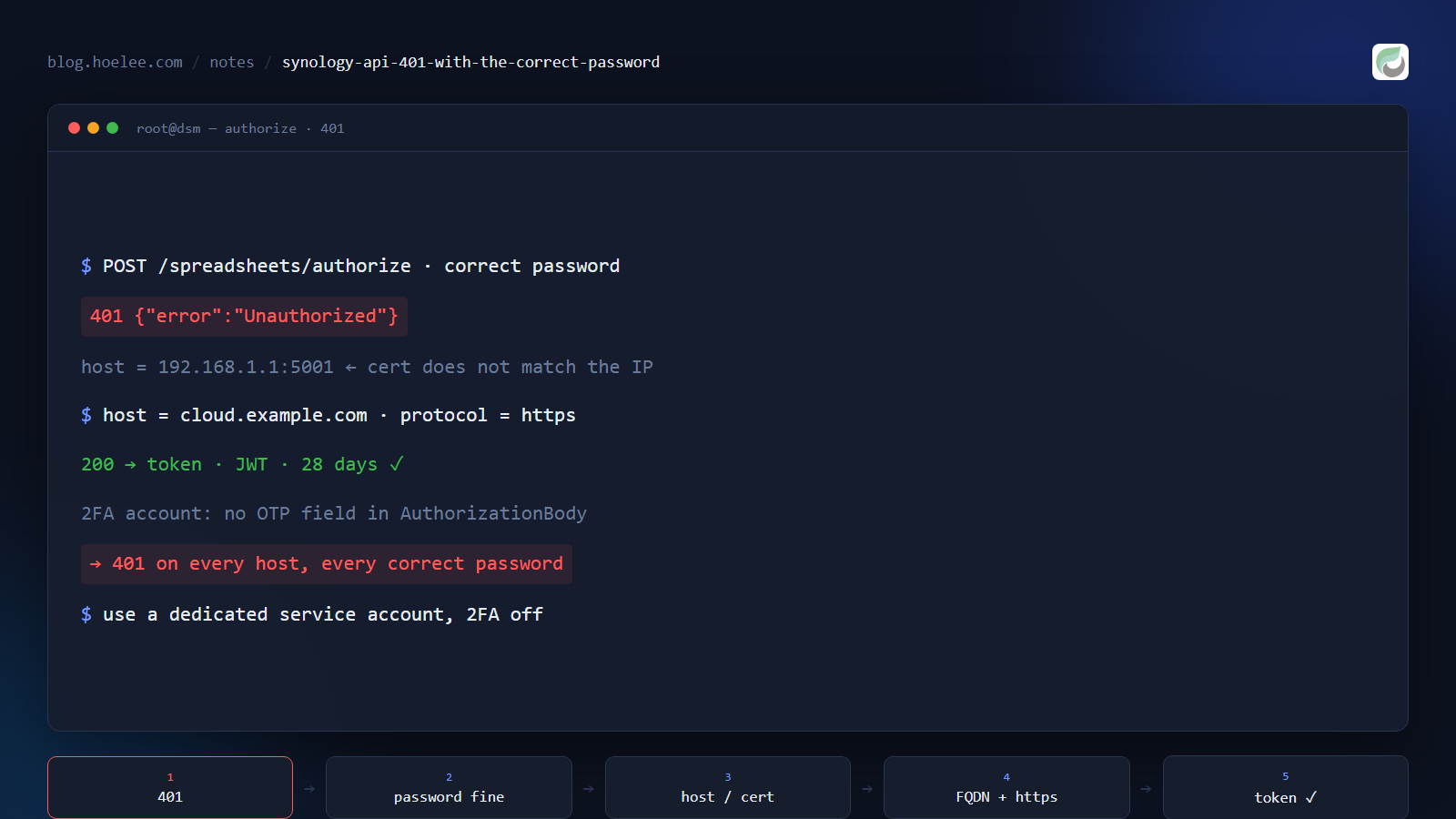
You set up Synology’s Office Suite API, you send your credentials, and you get:
{"error":"Unauthorized"}You then verify the password by logging into DSM with it — works fine. You retype it, you try HTTP instead of HTTPS, you wonder whether the account needs a permission you can’t find. All of it is wasted motion, because on this API a 401 with a correct password has exactly two causes, and neither of them is the password.
Cause 1: the host field must be a name with a certificate the container accepts
The API is self-configuring: you tell it which DSM to authenticate against, on every sign-in call.
curl -s -X POST http://<api-host>:8791/spreadsheets/authorize \
  -H 'Content-Type: application/json' \
-d '{"username":"acct","password":"pw","host":"192.168.1.1:5001","protocol":"https"}'{"error":"Unauthorized"}The proxy performs its own TLS handshake with that host. A bare IP address usually presents a certificate issued for a hostname, so the handshake fails — and a failed handshake is reported as Unauthorized, identically to a wrong password. Nothing in the response hints at TLS.
Same request, same credentials, host changed to a name with a valid certificate:
-d '{"username":"acct","password":"pw","host":"cloud.example.com","protocol":"https"}'{"token":"eyJhbGciOi...","host":"cloud.example.com"}That is the whole fix. Rule: the host value must be an FQDN whose certificate the container will accept, with the port included if it isn’t the default for the scheme.
Cause 2: two-factor authentication can never work here
The second cause is structural. The sign-in schema has four fields and no one-time-code field:
AuthorizationBody:
  properties:
    username: {type: string}
    password: {type: string}
    host:     {type: string}
    protocol: {type: string}
No OTP, no app password, no device-token exchange. An account with 2FA enabled returns 401 on every host, with every correct password, forever. Use a dedicated service account with 2FA off, scoped to the folders it needs.
Telling them apart in three commands
Don’t guess — separate the two in under a minute.
1. Is the host reachable and serving a valid certificate for that name?
curl -sS -o /dev/null -w '%{http_code} %{ssl_verify_result}\n' https://cloud.example.com/A non-zero ssl_verify_result points at cause 1. (From a machine that trusts the cert, the same command returns 0.)
2. Does the API answer at all, and does it reject garbage the same way?
curl -s -o - -w '\n%{http_code}\n' -X POST http://<api-host>:8791/spreadsheets/authorize \
  -H 'Content-Type: application/json' \
-d '{"username":"nobody","password":"wrong","host":"cloud.example.com","protocol":"https"}'{"error":"Unauthorized"}
401Same output as your failing call — which is the point. It proves the service is alive and that 401 is its generic answer for every authentication failure, TLS included. A container that is down gives you a connection error, not a 401, so this also rules out “the API isn’t running”.
3. Does an account with 2FA off succeed against the good host? If a non-2FA service account works and your admin account doesn’t, you have cause 2.
The related trap: a 401 that appears weeks later
The token you get is a JWT valid for 28 days, but it’s bound to a DSM session. A DSM restart, or a forced logout of that account, invalidates it early. So a 401 on a call that worked yesterday means “re-authenticate”, not “my credentials changed” — check the token’s age before you go looking for a config regression.
And once you’re in, don’t confuse the next wall with this one: 403 Permission denied means the file exists but the account can’t have it (usually a file sitting in a personal My Drive home folder, unreachable by any other DSM account), while 404 Spreadsheet not found means the ID is wrong. Different problems, different fixes.
The full setup — the container, the compose file, the working calls, and the four traps I hit getting there — is in The Synology Spreadsheet API Is a Container, Not an API Endpoint.
I build self-hosted integrations and internal tools for small businesses in Malaysia — WhatsApp or email. More at hoelee.com.