One Hostname for a Public Tracker and an SSO-Gated Dashboard
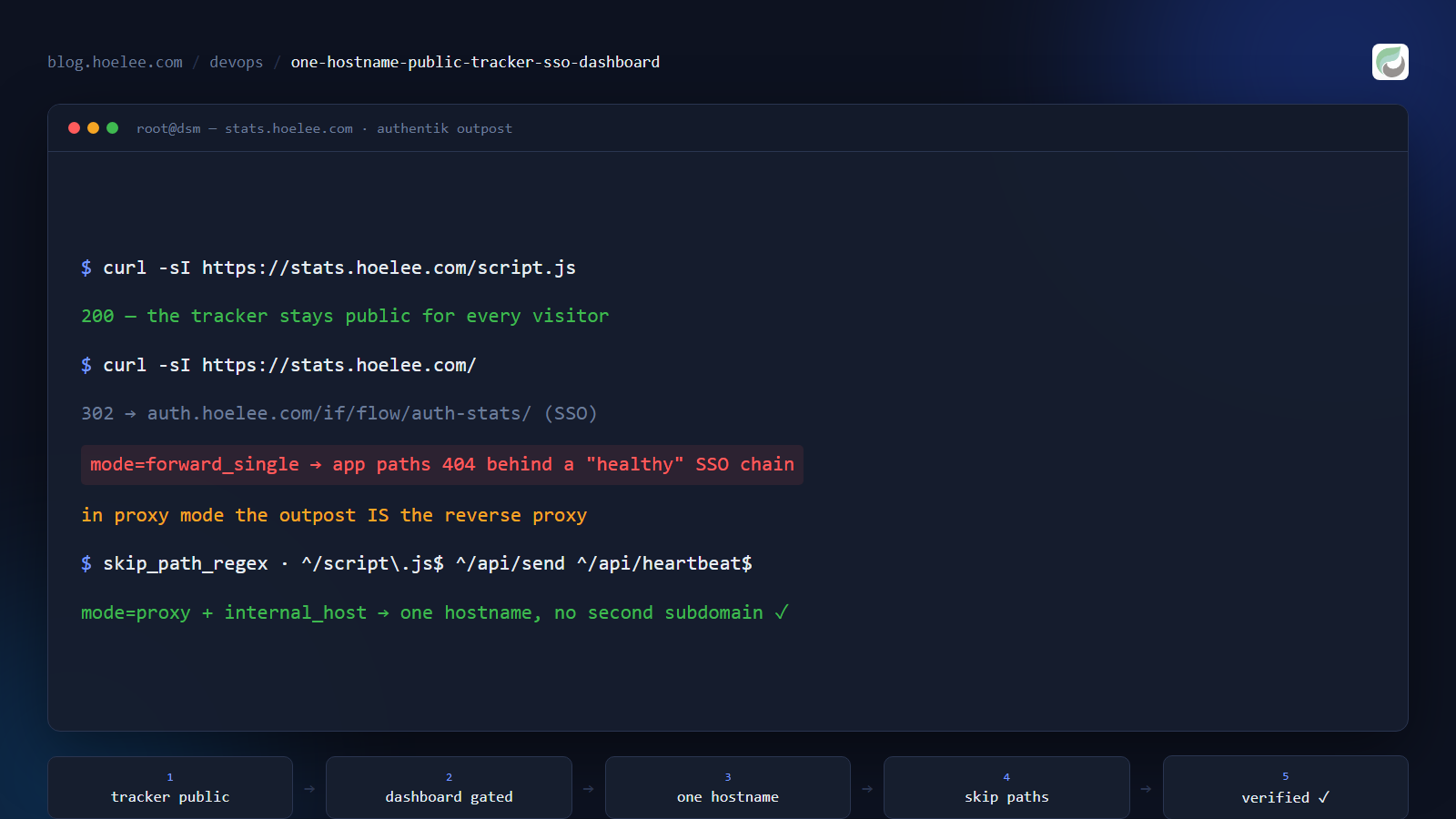
Every analytics tool has the same awkward shape. The half that collects data has to be reachable by a stranger’s browser on every page load. The half that shows the data must be reachable by nobody but me.
That normally means two hostnames: a public ingest endpoint and a private dashboard. I did not want two hostnames. I wanted one DNS record, one certificate, one thing to remember — and a dashboard I could open from a hotel wifi in Kuala Lumpur without publishing a login page to the internet.
This is the shape that ended up working, and the two traps that made a perfectly healthy-looking configuration serve 404s for half an hour.
The constraint list
- The tracker must be public.
script.jsand the two ingest endpoints are fetched by every visitor’s browser. If they are behind auth, you collect nothing and you will not notice for days. - The dashboard must not be public. It shows every visitor’s country, city, referrer and page path. A default admin login on a public URL is a gift to whoever finds the subdomain in a certificate-transparency log.
- No wildcard DNS.
*.hoelee.comdoes not resolve, so every hostname is an explicit DNS record plus a certificate. A second hostname is real work, and it doubles the surface I have to keep patched. - This hostname does not go through Cloudflare. It is a direct A record to my
router, so there is no WAF, no bot protection and no
CF-Connecting-IPheader to lean on. Everything below has to work with plain nginx headers.
Attempt 1 — two hostnames
The conventional split is what PostHog and Sentry do: i.posthog.com for ingest,
app.posthog.com for the UI. That is a real requirement when ingest is served
from a CDN at thousands of requests per second and the app is a stateful
database client. My blog gets a handful of visits a day. I was copying an
architecture that solves a problem I do not have, and paying for it with a second
DNS record, a second certificate and a second thing to break.
Two hostnames is the scale answer, not the requirement. One hostname can carry both, split by path.
Attempt 2 — nginx basic auth (this one does not work, and here is why)
My first instinct was the cheapest possible gate: an nginx container in front of
the analytics app, with auth_basic on everything except the three tracker
paths. It is four lines of config and I have used it before.
It breaks the dashboard completely, and the failure is confusing enough to be worth writing down.
The app’s own front end talks to its own API with a bearer token:
GET /api/websites HTTP/1.1
Authorization: Bearer <token>
A browser sends one Authorization header per request. When the front end
adds its bearer token, that header replaces the basic-auth credentials — so the
gate reads a bearer token where it expects a base64 user:password pair, decides
the request is unauthenticated, and returns 401. The dashboard shell loads
(that request carries basic auth), and then every single API call fails. You get
a UI that renders its layout and shows nothing, which reads as “the analytics
tool is broken” rather than “my gate is fighting my app”.
Cookie-based auth does not have this problem, because the credentials live in a
Cookie header that the app’s own tokens never touch. So: cookie auth, or no
gate.
Attempt 3 — an nginx allowlist gate (works, but the dashboard goes LAN-only)
The next version dropped basic auth entirely and made the gate a pure allowlist:
/script.js, /api/send and /api/heartbeat pass through, everything else gets
403. That is genuinely safe — the tracker is public, the dashboard is not
reachable at all — and it is a fine permanent answer if you only ever look at
your stats from inside your own network.
I wanted to see the dashboard from anywhere, so this became the fallback rather
than the destination. I stopped the container and kept it, which turned out to be
the right call later: rollback was one docker start and one config line.
Attempt 4 — authentik proxy provider with path-based skip rules
I already run authentik for single sign-on across about twenty self-hosted apps. Most of them are gated the same way: the reverse proxy forwards the request to authentik’s embedded outpost, the outpost checks for a session cookie, and an unauthenticated visitor gets a 302 to the login flow and back.
The proxy provider has a field built for exactly this problem:
skip_path_regex. One regex per line. Any path that matches is forwarded
straight to the app with no authentication at all; anything that does not
match is bounced to the SSO login. So the split stops being an nginx concern and
becomes an application-level policy.
mode:              proxy
external_host:     https://stats.hoelee.com
internal_host:     http://umami:3000
skip_path_regex:   ^/script\.js$
                   ^/api/send
                   ^/api/heartbeat$
                   ^/mcp(/|$)
That is the whole policy: the tracker’s asset, its ingest endpoint, its health endpoint and its MCP endpoint are public; every other path on that hostname requires SSO.
The nginx vhost then points at the outpost instead of at the app:
location / {
    proxy_set_header Host              $http_host;
    proxy_set_header X-Real-IP         $remote_addr;
    proxy_set_header X-Forwarded-For   $proxy_add_x_forwarded_for;
    proxy_set_header X-Forwarded-Proto $scheme;
    proxy_pass http://localhost:10000;   # the authentik outpost
}
Trap 1 — the provider mode that 404s the whole app behind a “working” SSO
I built the new provider by cloning one that already worked in my instance. That is normally the fastest and safest way to add an app, and it is exactly how I got this wrong.
The provider I copied used mode: forward_single with an empty internal_host.
That is correct for apps that handle their own login (a browser app, a monitoring
UI behind its own session) — the outpost only has to answer “is this visitor
allowed?”, and the app is reached by some other route. But it means the outpost
has no upstream to proxy to. When the app you are gating has no login of its
own — a self-hosted analytics dashboard, for instance — the outpost is the
proxy, and with an empty internal_host it has nowhere to send the request.
The symptom is nasty because the auth half looks perfect:
$ curl -sI https://stats.hoelee.com/ | head -1
HTTP/2 302                      # → auth.hoelee.com/if/flow/auth-stats/
$ curl -s -o /dev/null -w '%{http_code}' https://stats.hoelee.com/script.js
404                             # ← but the app is not there
302 to the login flow, the branded login page renders, the flow completes — and every application path returns 404. Two things made the diagnosis fast once I looked for them:
- The
x-powered-byheader says which hop answered. The 404 carriedx-powered-by: authentik, which proves the outpost produced it and the app never saw the request. Without that header I would have been debugging the application’s routing. - Compare against a provider that works. The same anonymous request against an app that is known good ends at the login flow with a 200. Mine ended at 404 — same shape, different last hop.
The fix is one field pair: mode: proxy with a real internal_host.
mode:              proxy                     # not forward_single
internal_host:     http://umami:3000         # the outpost proxies to the container
forward_single = “the app is somewhere else, just check the visitor”.
proxy = “you are the reverse proxy, send the request to internal_host”.
Pick by asking who serves the response.
Trap 2 — the outpost needs a minute, and it lies convincingly
After changing a provider, the embedded outpost takes one to two minutes to pick up the new configuration. During that window the hostname answers like this:
302 → /flows/-/default/authentication/     # a default flow, slug "-"
404                                        # on every app path
That is not the new configuration failing — it is the old configuration not yet being replaced. I lost time on this twice: once concluding the wiring was broken, once concluding the mode change had not taken effect. Now I change one thing, wait ninety seconds, and only then judge the result. The same applies to attaching a new provider to the outpost: the provider exists in the API immediately, and starts answering requests a minute later.
What I actually verified, and from where
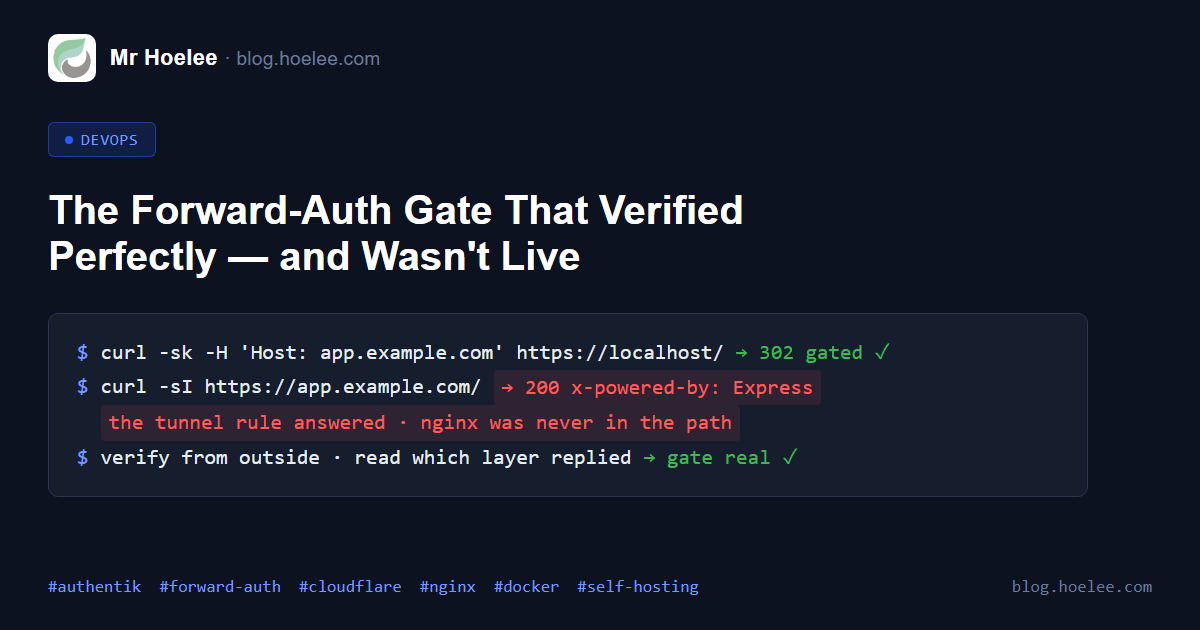
Internal checks are worthless for this class of change. My instance has two ingress layers on some hostnames (an nginx vhost and a tunnel rule straight to a container), so a request from inside the LAN can pass while the public path bypasses the gate entirely. Everything below was measured from the public internet, on the real hostname.
| Check | Result |
|---|---|
GET / (anonymous) | 302 → outpost → the app’s own login flow → 200 |
GET /login, /api/websites | 302, gated |
GET /script.js | 200 — the tracker still loads for visitors |
GET /api/heartbeat | 200 |
POST /api/send with a bogus site id | 400 from the app, not 403 from a gate — proof the request reaches the app |
POST /mcp with the API key | 200, text/event-stream |
POST /mcp without the key | 401 Missing bearer API key — the app’s own auth, not the SSO gate |
| A real pageview | recorded with country=MY region=MY-07 city=George Town, browser, OS and referrer intact |
That last row is the one that matters. Because this hostname does not go through
Cloudflare, the visitor’s IP has to survive two proxy hops via
X-Forwarded-For, and the app has to be told to read that header
(CLIENT_IP_HEADER=x-forwarded-for) instead of the Cloudflare one. A pageview
counter that increments while every visitor is attributed to a container IP
looks like success and is useless. Recording the right city is the proof.
What I would do differently
- Keep the previous gate stopped, not deleted. The nginx allowlist container
from attempt 3 is still on disk, stopped. Rollback is
docker startplus one line in the vhost — thirty seconds, versus rebuilding it from memory under pressure. - Rotate the app’s default credentials before the hostname is reachable, not
after. I had a public URL and a default
admin/admin-style login live at the same time for part of an afternoon, and a new subdomain shows up in certificate-transparency logs within hours. - Change one field, then wait. Two of my three wrong conclusions in this session came from reading a result before the system had finished applying it.
- Test the app’s own login flow too. SSO passing does not mean the app works: the gate can be perfect and the session cookie it sets can still be rejected downstream. I verified the tracker path with curl and the dashboard with a real browser, and only then called it done.
The trade-offs, honestly
- Double login. The analytics app has no OIDC support, so SSO grants access to the route and the app still asks for its own username and password. One extra click, once per browser. Per-account two-factor authentication is available inside the app, which is the part that actually protects the data.
- The dashboard is as available as the outpost. If authentik is down, the dashboard is down. The tracker fails silently at the same time, which is survivable: pages still load, the beacon just does not land.
- I kept one break-glass path. The app still publishes a port on the LAN, which bypasses SSO entirely. It is not reachable from the internet (verified from an external host), it still requires the app’s own credentials, and I would rather have it than be locked out of my own analytics by an SSO misconfiguration.
The result
One hostname, one DNS record, one certificate. No second subdomain, no extra container — the gate is a feature of the SSO instance I was already running. The tracker is reachable by every visitor’s browser, the dashboard is reachable by me from anywhere, and an anonymous visitor gets a login page instead of a dashboard.
The measurable version: three tracker paths and the MCP endpoint answer correctly to anonymous requests, every other path on the hostname returns 302 to SSO, and pageviews land with the visitor’s real city and referrer — which is the only reason the whole exercise was worth doing.
If you are self-hosting analytics (or anything with a public ingest half), try one hostname with path-based skip rules before you add a second DNS record. The two-hostname split is an architecture for companies whose ingest traffic pays for a CDN. Yours probably is not.
Want this for your business?
If you want to know what your website is actually doing without handing your visitors’ data to an ad network — or you have an internal tool that should never be reachable from the internet — I set up self-hosted, cookie-free analytics and SSO gates like the one in this post: one hostname, no consent banner, no third-party script phoning home from every page.
WhatsApp: +60 12-797 2969 · Email: [email protected] · hoelee.com
Website design and development is my main line of work; server hardening and self-hosted infrastructure is the other half of it.