Stop Writing Agent Prompts for Deterministic Work
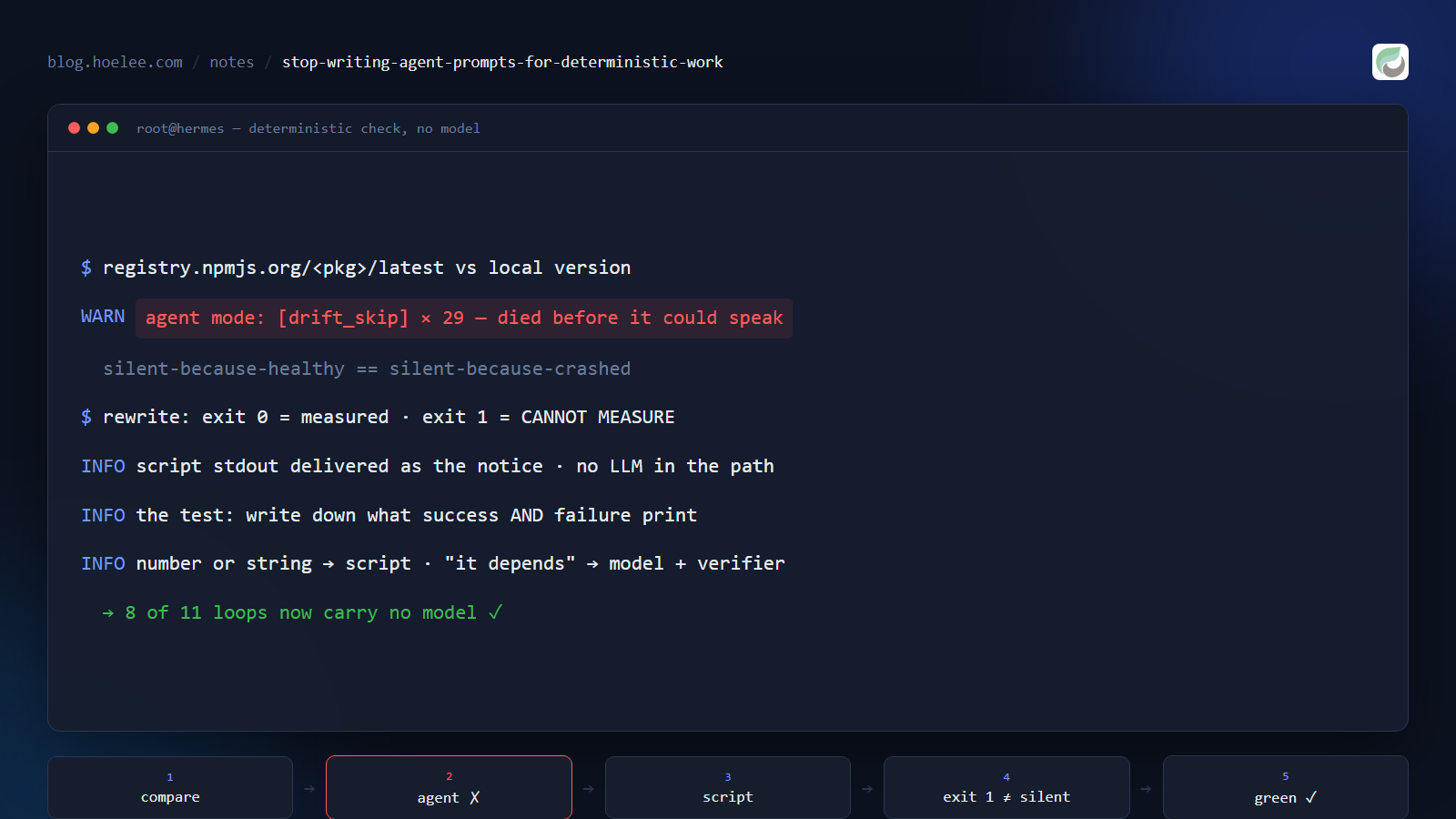
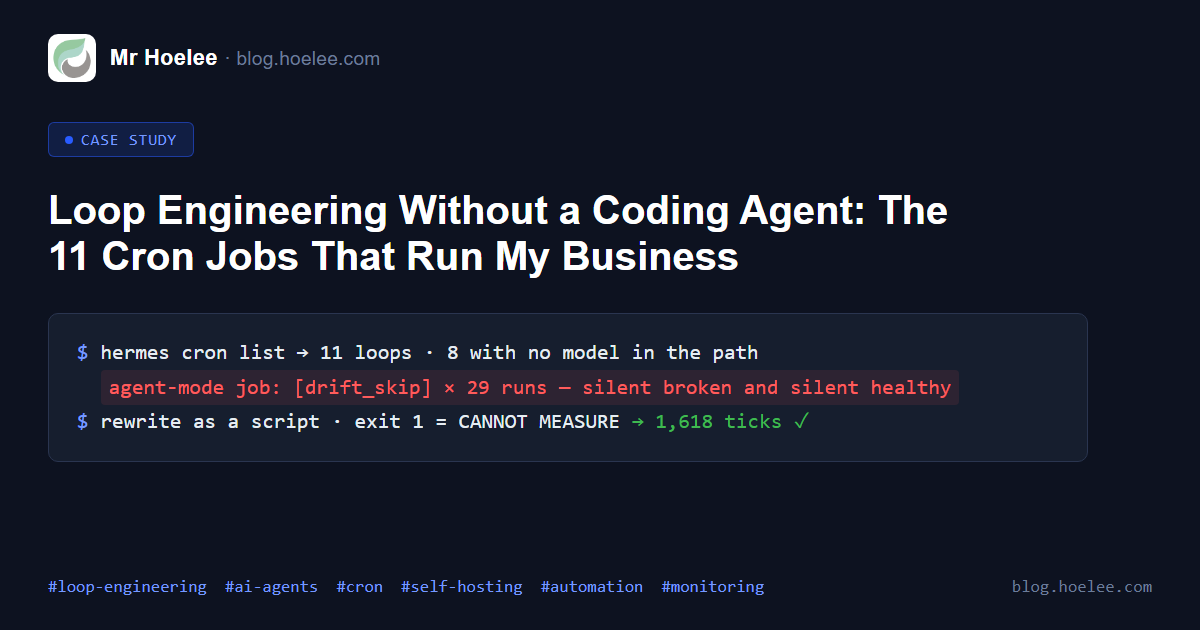
One of my scheduled jobs failed 29 times in a row. Nobody told me, because it was designed to speak only when it had something to report — and a run that dies before it can speak looks exactly like a run that found nothing wrong.
The job was a version check: ask npm for the latest published version of a CLI I use, compare it with the one installed here, and tell me if there is a newer one. That is the entire task. It is two strings and an inequality.
I had built it as an agent job, because that was the pattern I had in my
head at the time. Every tick, the model would read the injected script
output and decide whether to write a notification. It worked for a while.
Then my global default model changed, and the job — which records the model
it was created with — stopped running entirely. It printed [drift_skip]
and exited. Twenty-nine times.
The fix was not a better prompt. It was deleting the model from the loop.
The rule
If the stop condition is a comparison — a string, a number, a status code — a model in that loop can only add failure modes.
There is no judgment to make in “is 3.8.50 newer than 3.8.50”. The model
was not deciding anything the code could not; it was adding a dependency (a
model route, a provider, a config snapshot, a token bill) and a new way to
fail. So I rewrote the checker as 125 lines of Python with an explicit exit
path for every branch, and flipped the job to script mode: the script’s
stdout is delivered as the notification, with no LLM anywhere in the path.
It has run clean ever since. Anthropic’s own guidance says the same thing in one line — use scripts for deterministic work; running a script is cheaper than reasoning through the steps — but the cost was never the interesting part for me. The reliability was.
Where the model does earn its place
Of the eleven loops I run, eight now have no model in the path. The three that do all handle something I genuinely cannot express as code:
- Is this email important? A mailbox produces promos, DMARC reports, container alerts and a customer asking for a quote. Fetching mail is deterministic. Ranking it is not.
- Is this shop voucher about to overspend? The arithmetic is trivial; deciding what a finding means for money I have already committed is not.
- Is this project stalled? Reading two markdown files is a script’s job. Noticing that the plan has not moved in three weeks is not.
The test I apply to a new loop: write down what the check would print on success and on failure. If both answers are a number or a string, it is a script. If the answer is “it depends what it says”, it needs a model — and then it needs a verifier I trust more than the agent, because I am no longer able to predict the output.
The part that actually bit me
The failure mode was not the drift. It was the silence.
A loop that speaks only when something is wrong is the only kind of loop I can tolerate — I do not want a daily status report from eleven jobs. But “silent because healthy” and “silent because it crashed before it could speak” are the same observation from my side of the phone. Twenty-nine runs of evidence were sitting in the job’s execution log the whole time; I was trusting the absence of a notification instead of reading the history.
So every script in the fleet now has a second exit path: exit 0 means measured, here is what I found, and exit 1 means I could not measure — and exit 1 is never silent. Missing config, unparseable state, an unexpected exception: all of them print a line and exit 1. That one change would have surfaced this bug on the first run instead of the twenty-ninth.
If you have a loop that has been “quiet for a while”, go and read its last ten runs before you conclude it is working. That advice cost me three weeks.
The short version
- Deterministic check → script. Judgment → model. Do not mix them for convenience.
- Give the silent-on-success convention one exception: “I could not measure” must always be loud.
- Read the runner’s own execution history, not just your notifications.
Want a version of this for your own site or shop — uptime, certificates, backups, mail that only pings you when it matters? WhatsApp +60 12-797 2969 · [email protected] · hoelee.com