How to Verify a Hosting Provider Before You Buy
Every hosting provider’s homepage is a list of promises: “in business since 2005”, “guaranteed uptime”, “privacy-friendly”, “unlimited bandwidth”. Some of it is true. A surprising amount of it isn’t — and none of it is checked before you hand over a card number and point DNS at their servers.
Recently I had to shortlist a pool of providers for a project with specific requirements (privacy jurisdiction, payment methods, traffic limits). I couldn’t afford to trust the marketing, so I built a quick verification pass. It caught real problems — providers whose “operating for years” claim was younger than my last haircut, providers whose own terms quietly banned the exact thing I wanted to run, and providers on third-party blacklists.
Here’s the checklist, in the order I run it. None of it needs a paid tool.
1. Check the domain age against the “since” claim
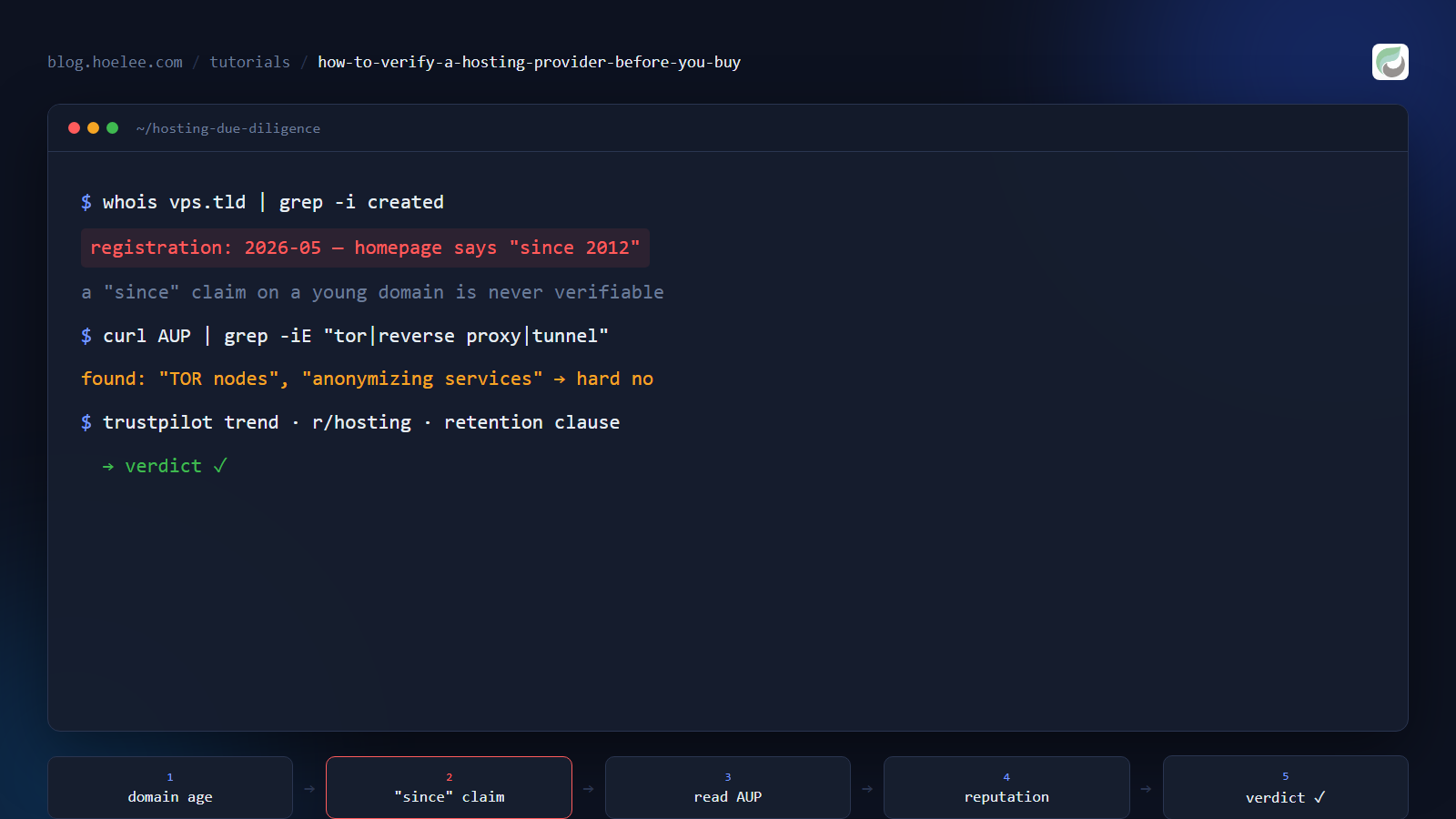
A provider that says “trusted since 2012” should have a domain older than my coffee order. If the domain is four months old, “since 2012” is either a re-branded shell or a lie — either way it tells you something about how the company describes itself.
The quickest check is a WHOIS/RDAP lookup. RDAP is the modern replacement for WHOIS and returns JSON, which is easier to parse:
curl -s "https://rdap.org/domain/example.tld" | python -m json.toolLook at the events array for the registration event — that’s the original
creation date, not the last renewal. (Renewal dates and registrar changes will
hide further down the timeline; the first registration is the one you want.)
The false-negative rule cuts both ways: a brand-new domain can be a legitimate new company. But an old “since” claim on a young domain is always a flag — it means the historical claim isn’t independently verifiable, and I treat anything else on that page with the same skepticism.
2. Read the AUP (Acceptable Use Policy) — not the features page
This is the highest-signal step and the one most people skip. The features page tells you what they allow you to pay for. The AUP tells you what they’ll suspend you for. Those are different lists.
The disqualifiers are usually in the “Prohibited activities” section, and the phrasing is what matters:
- “TOR nodes”, “Tor relays”, or “exit nodes” — if you plan to run anonymity tooling, this is a hard no, and it can hide in a list that looks like it’s only about abuse.
- “reverse proxies”, “anonymizing services”, “tunnels” — this bans far more than you’d think. A lot of legitimate architecture (a caching proxy, a GitOps webhook relay) technically trips this wording.
- Jurisdiction and identity clauses — “must provide accurate identity”, “complies with local law enforcement”, or the AUP being bound to a specific country’s law. If your whole reason for choosing the provider is jurisdictional distance, this line voids it.
The One Weird Trick: paste the AUP URL and search for the word you care about.
I spent ten minutes reading a whole AUP once before realizing a single
Ctrl-F for “tor” would have answered my question in five seconds.
3. Cross-check reputation — but on third-party sources, not their page
Testimonials on the provider’s own site are decoration. You want places where the provider can’t delete the bad reviews:
- Trustpilot — but read the trend, not the average. A 3.5 with a long tail is fine; a 3.5 where the last six months are all 1-star “they suspended my server” reviews is a real signal.
- Reddit, especially r/hosting, r/webhosting, r/sysadmin — search the brand name. The community has a long memory for exit-scams and mass-suspension events, and it’s usually blunt about which providers are “a well-known scammer.”
- WHTop / HostAdvice — the ratings are noisy, but a 1.8/10 with a pattern of the same complaint repeated is different from a 1.8 with a handful of one-off gripes.
The single most useful signal I’ve found: suspension reports. A provider that responds to abuse complaints by suspending first and charging a “reinstatement fee” second will say so in black and white in someone’s review. That’s a business-model red flag, not a support incident.
4. Verify the “privacy” claim if it matters to you
“Privacy-friendly” and “offshore” are marketing words until they’re reflected in the actual documents:
- The privacy policy’s retention section. A provider that says “we retain records as long as necessary for legal / tax / accounting” is telling you they keep logs. Full stop.
- The payment rail. Who actually processes crypto, and is it a third-party gateway that itself requires KYC? A self-hosted gateway with no external identity step is a very different privacy posture than “bitcoin via a KYC-reseller.”
- The incorporated entity. “Offshore hosting since 2000” is worth almost nothing if the company is registered in, and bound by the law of, a country in your threat model.
5. Check the traffic terms — “unlimited” rarely means unlimited
The word “unmetered” has a specific meaning that “unlimited” doesn’t. Formally unmetered = you pay a flat rate regardless of transfer, but the port speed caps the ceiling. “Unlimited” on a plan with a metered 1 TB cap is just marketing.
If you’re paying for traffic (as opposed to a flat rate), model the real number before you sign up: a relay that both receives and forwards a file pays for it twice. A plan that looked cheap on “1 TB included” can be the expensive option once you double the actual transit.
The shape of the whole pass
Run these in order — domain age, AUP, reputation, privacy docs, traffic terms — and score each provider on the same simple numbers. The goal isn’t perfection; it’s to make the claims you’re actually relying on explicit and checkable, so you’re not discovering the truth from a suspension email at 2 AM.
It’s the same instinct as writing a unit test: state the assumption, then try to break it. Most of the providers I eliminated weren’t lying in a way a human could spot from the homepage — they were lying in a way a ten-minute checklist caught.