How I Built an AI Furniture Compositing Demo With FLUX.1 Kontext
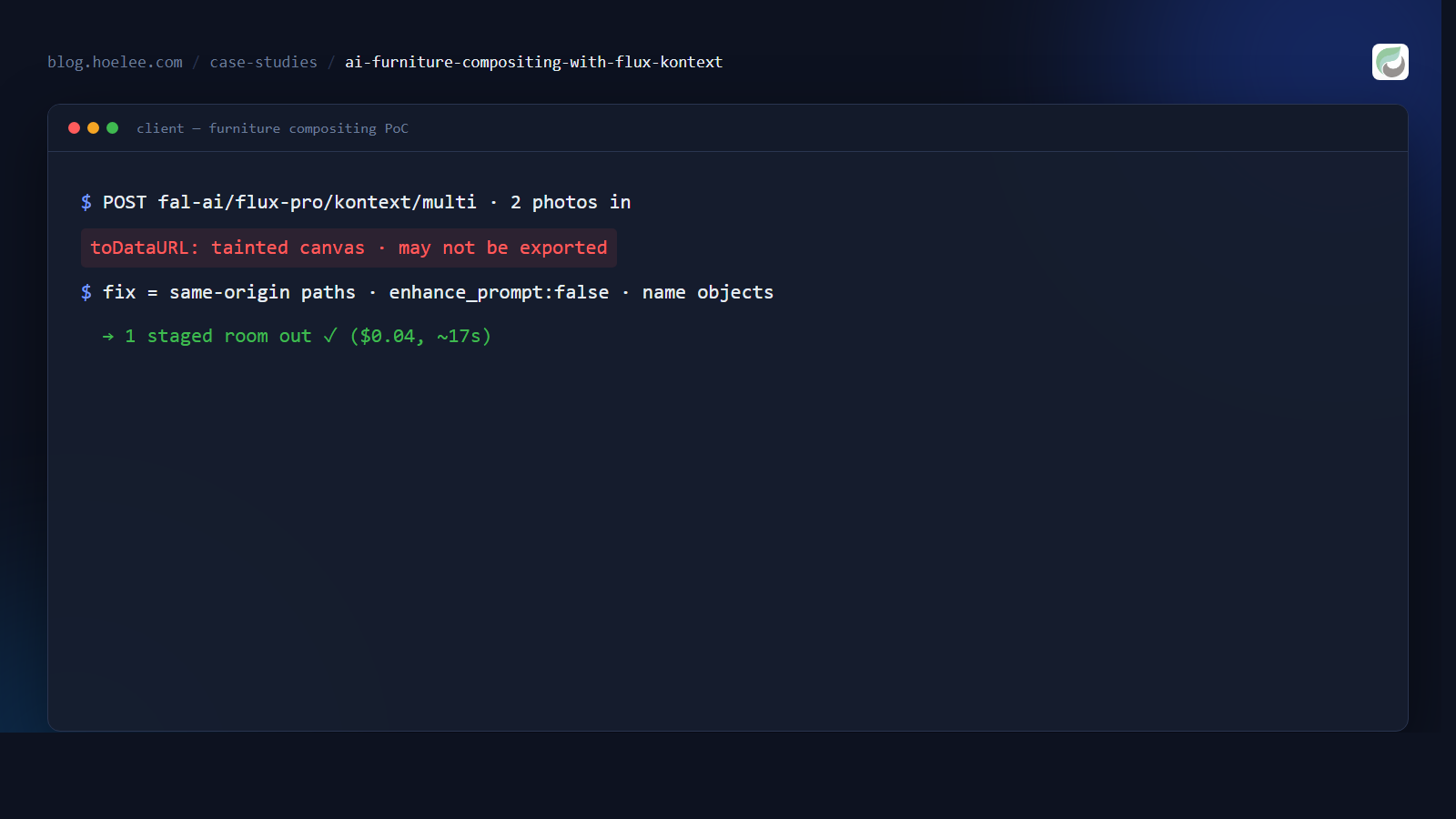
A furniture client came to me with a problem that every small e-commerce seller eventually hits: their catalogue photos are isolated product shots — a table on white, a chair on white — but customers don’t buy furniture from a white void. They buy the room. Staging a real photoshoot for every product, in every interior style, is out of the question for a one-person business.
The ask: take two product photos (a dining table, a chair) and place them together into a believable, high-end interior scene — generated, not photographed. This post is the story of the proof-of-concept I built to prove that’s possible, the model I chose, and the three bugs that tried to eat it.
Why FLUX.1 Kontext — and the endpoint that matters
The obvious first instinct is a general text-to-image model: “a dining table and a chair in a modern living room.” That fails the moment the client says “no — MY table, MY chair, the exact one on my product page.” Generating a lookalike product is worthless; the whole point is to keep the real product unchanged and only change the room around it.
That’s the specific problem FLUX.1 Kontext (via fal.ai) is built for: image-conditioned generation, where the reference image anchors the product and the prompt describes the scene. But there’s a subtlety that cost me an afternoon: there are two endpoints.
| Endpoint | Reference input | Use case |
|---|---|---|
fal-ai/flux-pro/kontext | image_url (single) | edit / re-context one image |
fal-ai/flux-pro/kontext/multi | image_urls (array) | combine multiple reference images |
I needed to fuse two separate products into one scene, so plain kontext
wasn’t enough — it only takes one reference image. The multi variant accepts
an array of reference images and is what makes “table + chair → one room”
possible. It’s flagged experimental, but it’s the only game in town for this.
Calling fal.ai from a plain HTML file — no SDK, no server
For a proof-of-concept I didn’t want to stand up a backend. fal.ai exposes a
plain REST queue API, so a single index.html with vanilla JavaScript can do
the whole job. There are three steps, not one:
// 1. Submit — returns request_id + polling URLs
const submit = await fetch(
  "https://queue.fal.run/fal-ai/flux-pro/kontext/multi",
  {
    method: "POST",
    headers: {
      Authorization: "Key " + FAL_KEY,
      "Content-Type": "application/json",
    },
    body: JSON.stringify({
      prompt: "...",
      image_urls: [tableDataUrl, chairDataUrl],
      enhance_prompt: false,
    }),
  }
);
const { request_id, status_url, response_url } = await submit.json();

// 2. Poll status until COMPLETED (takes ~5–30s)
let status;
do {
  await new Promise((r) => setTimeout(r, 2000));
  status = (await (await fetch(status_url, {
    headers: { Authorization: "Key " + FAL_KEY },
  })).json()).status;
} while (status === "IN_QUEUE" || status === "IN_PROGRESS");

// 3. Fetch the result
const result = await (await fetch(response_url, {
  headers: { Authorization: "Key " + FAL_KEY },
})).json();
// result.images[0].url is the generated image
Two things I verified early, because they make or break the “single file” approach:
- CORS is open.
queue.fal.runreturns a permissiveaccess-control-allow-originand allows theauthorizationheader, so a browser can call it directly with no proxy. I confirmed this with a preflight before writing any UI. - Local images go in as base64 data URIs. fal.ai accepts
data:URIs inimage_urls, so I never had to upload the client’s photos to a storage bucket first — the demo reads a file, compresses it, and ships it straight in the request body.
The canvas compression layer
Phone photos are 5–10 MB. Two of those, base64-encoded, bloats the request to
unusable size and slows generation. So before submitting, the demo runs each
image through a <canvas> to resize and re-encode it:
async function imgToDataURI(file, maxSize = 1024, quality = 0.85) {
  const img = await createImageBitmap(file); // or new Image()
  const scale = Math.min(1, maxSize / Math.max(img.width, img.height));
  const c = document.createElement("canvas");
  c.width = Math.round(img.width * scale);
  c.height = Math.round(img.height * scale);
  c.getContext("2d").drawImage(img, 0, 0, c.width, c.height);
  return c.toDataURL("image/jpeg", quality); // ~200–400 KB each
}
A 7 MB phone shot becomes a ~300 KB JPEG. Fast to upload, fast for the model to process.
Bug #1 — “Tainted canvases may not be exported”
The demo worked in my head. Then it didn’t work in a browser. The moment I hit “generate” I got:
Failed to execute 'toDataURL' on 'HTMLCanvasElement': Tainted canvases may not be exported.
This is a browser security boundary, not a fal.ai problem. When you open the
page over file:// and load a local image with <img src="chair.jpg">,
that image is an opaque origin. The moment it’s drawn onto a canvas, the
canvas becomes tainted, and toDataURL() refuses to export it — the browser
won’t let a webpage read back the pixels of a file it can’t prove it’s allowed
to read.
Two fixes, and I used both at different points:
- Inline the default images as base64 data URIs directly in the HTML source. Data URIs don’t taint the canvas, so the demo works even when double-clicked from disk.
- Serve over HTTP with same-origin relative paths (
src="chair.jpg"). Once the page and images share an origin, the canvas stays clean. This is the right answer for the real deployment — the demo now lives at a URL, not a double-clicked file.
The general rule: toDataURL fails the instant any opaque-origin image touches
the canvas. If you’re loading local files, either inline them or serve over
HTTP. There is no third way without changing browser security settings.
Bug #2 — the API key is in the HTML
For a demo this is tolerable; for anything public it’s a hole. A Key header in
a client-side fetch means the key is in the page source, readable by anyone
who presses F12. Fine for a PoC I hand to a client, unacceptable for production.
The plan for the real WordPress plugin (the next phase) is to move the key to server-side PHP: the plugin’s endpoint does the authenticated fal.ai call and returns the image, while the browser only talks to the plugin’s own route. The demo proved the pipeline works; the plugin will put the secret where secrets belong.
Bug #3 — the output looked like “the second image”
This was the one that made me question whether multi even worked. I swapped in
a new table photo, generated, and the result looked almost identical to the
chair reference — as if the model had just ignored the table and copied the
chair.
Before blaming the model, I checked something falsifiable: is multi even
compositing, or just echoing one input? I compared the generated image
against both source images with a perceptual hash and mean pixel difference:
| Comparison | Mean pixel diff (0 = identical) | dHash distance |
|---|---|---|
| result vs table | 55.7 | 31 |
| result vs chair | 55.3 | 29 |
| table vs chair | 69.3 | 30 |
The result was far from both inputs — the endpoint genuinely composites a new scene, not a copy. So the “looks like the chair” problem wasn’t the API; it was the inputs and the prompt.
Three compounding causes:
- The reference photos were inconsistent. The original
chair.jpgwas a photo of a full table-and-chair scene, not a clean single chair — so the model already saw “table + chair” satisfied by one image and leaned on it. - Positional prompting is unreliable. Kontext matches images by content, not array order. Saying “the first image” / “the second image” doesn’t reliably map to “the table” / “the chair”. The fix is to name the objects — “the dining table” and “the chair” — and let the model match them to the right reference.
- Prompt enhancement was on. fal.ai’s
enhance_prompt(default off, but I had it in mind) rewrites your prompt into a richer aesthetic description — exactly wrong when the goal is “do not reinterpret the product.” I pinned it tofalseso the model obeys the literal prompt instead of embellishing it.
The prompt that finally worked
The client’s core requirement was strict: preserve the furniture exactly and only invent the room. That needs a prompt that spends most of its length preventing reinterpretation, not describing style:
Create a photorealistic interior photograph using the exact dining table and exact chair from the reference images. Preserve both furniture pieces exactly as shown — do not redesign, recolor, repaint, restyle, replace, or reinterpret either product. Keep their original geometry, proportions, construction, material, finish, texture, and color exactly unchanged.
Place the chair naturally beside the dining table in a realistic dining position, slightly pulled under the table and properly aligned with it. Maintain realistic scale, perspective, and physical contact with the floor. The chair and table must look photographed together in the same real room, with natural contact shadows — not composited or pasted together.
Preserve the true original color. Do not allow the room lighting, wall or floor colors, or grading to alter the furniture.
Set the scene in a spacious modern living room with floor-to-ceiling windows and subtle warm afternoon daylight. Use restrained, neutral interior colors.
Photorealistic commercial furniture photography, realistic camera perspective, natural proportions, high detail.
The demo ships six of these, one per scene style (modern living room, cozy dining room, Scandinavian, wabi-sabi, and a clean studio), each differing only in the “set the scene” paragraph.
The result
One index.html, no backend, no SDK — two product photos in, a staged room
out, at $0.04 per image and roughly 15–20 seconds of generation. The client
now has a working preview they can show their customers, with a scene selector
and an editable prompt, before committing to the full WordPress plugin.
The proof-of-concept answered the question it was built to answer: yes, you
can keep the real product and only generate the room around it — as long as
you respect the three constraints that actually matter: a clean reference image
per product, object-named (not positional) prompts, and enhance_prompt: false.
What I’d do differently
- Require clean, single-product reference images on day one. Every failure mode downstream — the “looks like one image” problem, the proportion drift — traces back to inconsistent source photos. I’d ship a tiny client-facing guide (“one product per photo, plain background, no other furniture”) before touching any model.
- Turn
enhance_promptoff explicitly, first. I lost a generation to the enhancement rewriting my careful “do not reinterpret” instructions into exactly the opposite. - Validate CORS with a real preflight before building UI. It’s a two-line
curland it de-risks the entire architecture decision.
Want this for your product catalogue?
I build AI image pipelines, WordPress plugins, and self-hosted infrastructure for e-commerce businesses. If you want to stage your products in styled room scenes — or hire me for a similar AI integration — I’d love to talk:
- 📱 WhatsApp: +60 12-797 2969
- 📧 Email: [email protected]
- 🌐 Website: hoelee.com